guezwhoz-pi
A dark theme for Pi with a cool pastel palette and a green axis.
Package details
Install guezwhoz-pi from npm and Pi will load the resources declared by the package manifest.
$ pi install npm:guezwhoz-pi- Package
guezwhoz-pi- Version
0.1.1- Published
- Oct 21, 2026
- Downloads
- 300/mo · 15/wk
- Author
- guesswhozzz
- License
- WTFPL
- Types
- theme
- Size
- 5.1 KB
- Dependencies
- 0 dependencies · 0 peers
Pi manifest JSON
{
  "themes": [
    "./themes/guezwhoz.json"
  ]
}
Security note
Pi packages can execute code and influence agent behavior. Review the source before installing third-party packages.
README
guezwhoz for Pi AI agent


What's Inside?
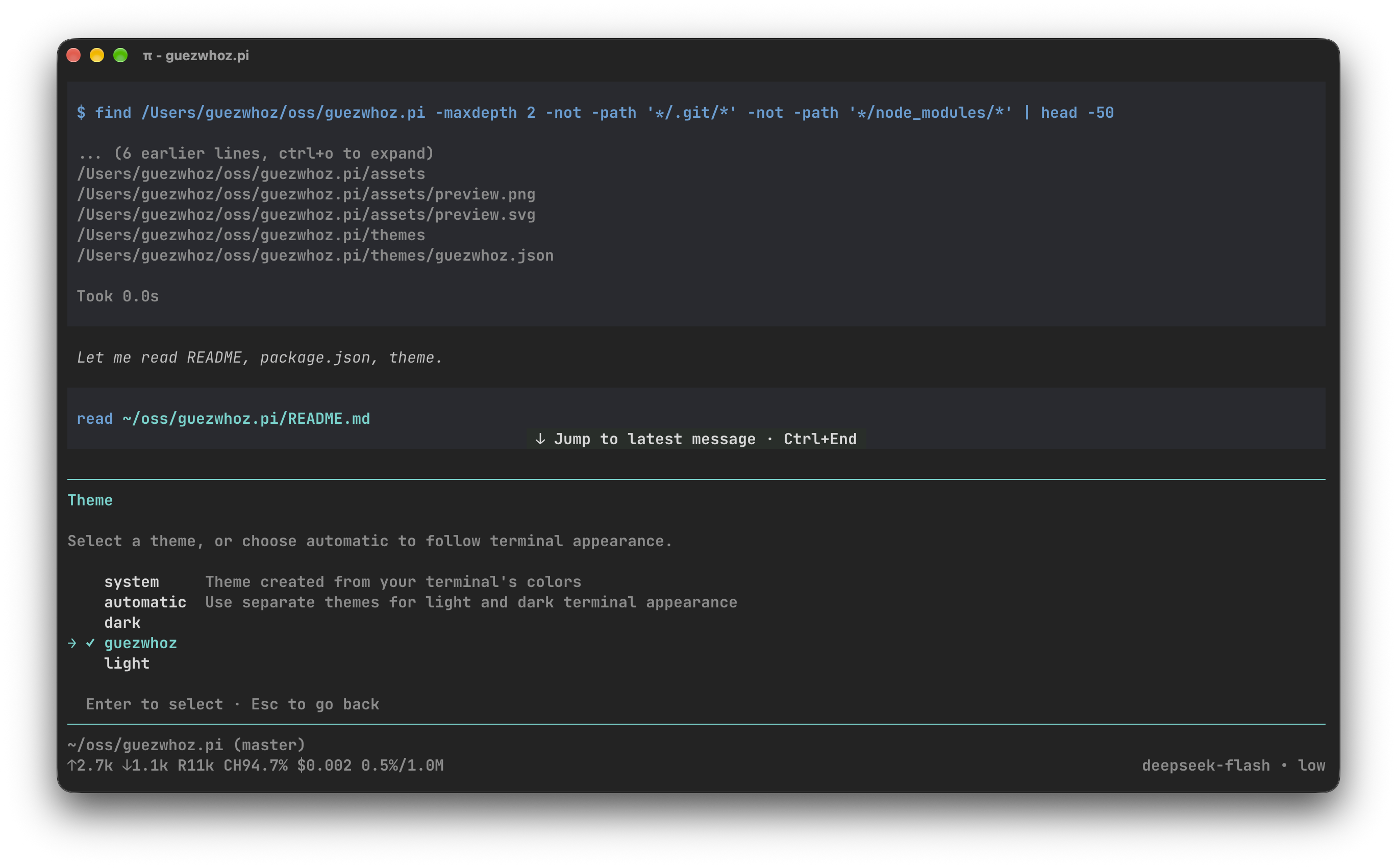
A dark theme for π with a cool pastel palette and a green axis. Built for long sessions: soft colors and a symmetric background hierarchy.
More Pi resources may be added to this package over time.
Install
pi install npm:guezwhoz-piEnable
Open /settings, choose Theme, and select guezwhoz. For a single run:
pi --use-theme guezwhozThe theme is dark-only. If Pi follows the terminal appearance, select
guezwhoz as the dark theme in /settings.
Palette
| Role | Color |
|---|---|
| Background | #1D1D1D |
| Panels | #212121 |
| Text | #D9D9D9 |
| Muted text | #808080 |
| Cyan accent | #58D6CE |
| Blue | #5AA0D6 |
| Green | #7AD694 |
| Violet | #9A90E0 |
| Yellow | #B7D074 |
| Pink | #E85181 |
Accessibility
The palette targets WCAG 2.1 AA. One deliberate exception is muted text
#808080 at 4.3:1 against the background instead of 4.5:1: it should recede
into the background and not compete with useful information.
License
WTFPL Ver. III. See LICENSE for details.
Maintained by Egor Lem.