pi-better-ssh
Pi extension for safe synchronous remote bash commands over reusable SSH connections.
Package details
Install pi-better-ssh from npm and Pi will load the resources declared by the package manifest.
$ pi install npm:pi-better-ssh- Package
pi-better-ssh- Version
0.1.5- Published
- Nov 10, 2026
- Downloads
- 681/mo · 133/wk
- Author
- exoulster
- License
- MIT
- Types
- extension
- Size
- 76.9 KB
- Dependencies
- 0 dependencies · 2 peers
Pi manifest JSON
{
  "image": "https://raw.githubusercontent.com/1aboveio/pi-better-harness/main/docs/images/package-gallery/pi-better-ssh.png",
  "extensions": [
    "./src/index.ts"
  ]
}Security note
Pi packages can execute code and influence agent behavior. Review the source before installing third-party packages.
README
pi-better-ssh
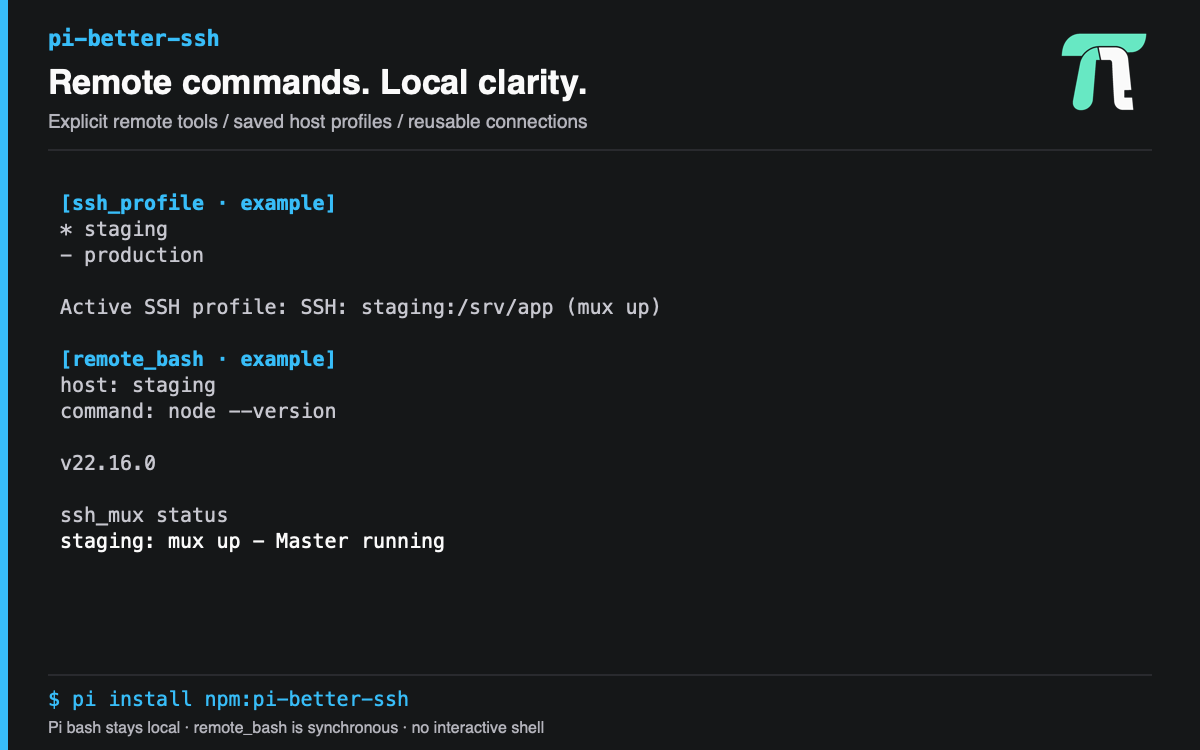
pi-better-ssh runs short synchronous remote commands over safe, reusable SSH connections. It adds explicit remote tools; Pi's built-in bash remains local and is never overridden.
Install
pi install npm:pi-better-sshFor one session without changing Pi settings:
pi -e npm:pi-better-sshSandboxed Subagents
Open /sandbox and expand Subagents · Tools → Trusted → pi-better-ssh.
Toggle ssh_profile, remote_bash, and/or ssh_mux with Space, or toggle the
group to select all three. They are off by default and require Subagents Network
access On (profile operations can probe mux state too). Ctrl+S saves defaults.
Enabling a tool automatically loads the pi-better-ssh extension into new
sandboxed subagents and admits only the selected tools. No separate
toolExtensions mapping is needed. Default launches include ticked tools; when
passing an explicit spawn tools list, include the tools the task needs, for
example read,bash,ssh_profile,remote_bash. Do not use clean:true, which is
builtins-only. The parent's active SSH profile is not inherited; provide a host
or select a profile in the child.
These are trusted, not guarded, tools: they run outside local task file, credential-file, and command restrictions. Remote effects are not confined by the local sandbox. Enabling them is an explicit grant of trust, not a restricted SSH execution adapter. Main sandbox admission is unchanged.
Choose The Right Tool
Use remote_bash when the foreground turn should wait for a short remote command's output and exit code. Use bg_task_spawn and the bg_task_* lifecycle tools with structured ssh for long-running or durable remote jobs; those jobs use remote tmux for lifecycle control.
| Tool | Purpose |
|---|---|
remote_bash |
Run one short remote bash command and wait for its result. |
ssh_profile |
List SSH aliases or manage the active session's host, workdir, and environment defaults. |
ssh_mux |
Inspect or stop reusable ControlMaster connections. |
SSH Hosts
Prefer a literal Host alias in ~/.ssh/config; OpenSSH applies its configured hostname, user, port, key, jump host, and other policy. Wildcard entries are honored by OpenSSH but are not listed by ssh_profile.
Host airflow-prod
  HostName airflow.internal.example
  User deploy
  IdentityFile ~/.ssh/airflow_ed25519
  ProxyJump bastion.example
Tool calls can use the alias (airflow-prod) or an explicit user@host target. Structured user, port, identity_file, jump, and options fields override connection details without constructing a shell command.
Run A Command
remote_bash requires command. It requires host unless an active profile supplies one. workdir and env apply on the remote host; timeout is an optional positive number of seconds.
{
  "command": "airflow dags list",
  "host": "airflow-prod",
  "workdir": "/opt/airflow",
  "env": { "AIRFLOW_HOME": "/opt/airflow" },
  "timeout": 30
}
A remote non-zero exit is a normal tool result with output and exitCode, so agents can inspect command failures. Output follows Pi bash limits: the last 2,000 lines or 50KB, whichever is reached first. Complete truncated output is retained in a local temporary file.
Session Profile
A profile sets defaults for later remote_bash calls. use accepts a configured Host alias or user@host, plus optional remote workdir and env. The active profile is stored in the Pi session and survives /reload; it is not a separate host inventory.
{ "action": "list" }{
"action": "use",
"host": "airflow-prod",
"workdir": "/opt/airflow",
"env": { "AIRFLOW_HOME": "/opt/airflow" }
}Call ssh_profile with status to inspect the active profile or clear to remove it. An explicit host, workdir, or environment entry on remote_bash takes precedence over the corresponding profile default.
ControlMaster
On Windows, commands use independent SSH connections because native Windows OpenSSH does not support working ControlMaster sockets. Mux options from callers and SSH config are overridden. ssh_mux status reports mux down with an explanation, and stop has no master to stop. Linux and macOS retain connection reuse.
remote_bash checks for a reusable ControlMaster and opens one when needed. Its ControlPath lives under the harness-owned ~/.pi/agent/ssh-control directory, which is forced to mode 0700; the socket key includes the connection identity and Pi session. A stale socket is removed and reopened once. Repeated commands for the same target and session reuse the master.
Use ssh_mux with status or stop and either a target, the active profile, or all:true for masters observed in the current Pi process and session:
{ "action": "status", "host": "airflow-prod" }{ "action": "stop", "all": true }Stopping a mux does not stop remote tmux jobs. A remote_bash timeout terminates only that slave SSH process; a healthy reusable master remains available.
Safety Defaults
- SSH is launched as argv with
shell:false; connection fields are never interpolated into a local shell command. BatchMode=yes, a bounded connect timeout, and no TTY are always enforced, so password prompts fail fast.- Caller
optionscannot disable required SSH or mux safety settings. - Remote workdir and environment values are shell-quoted by the shared SSH core before
bash -cruns. - Identity file paths may appear in status details, but key material is never read or displayed.
- This package provides no interactive shell, PTY attach, remote IDE mode, or local
bashoverride.