pi-codex-images
Pi / Gentle Shell extension for a self-hosted codex-images-mcp server: generate and edit images with your ChatGPT plan, with verified local artifacts.
Package details
Install pi-codex-images from npm and Pi will load the resources declared by the package manifest.
$ pi install npm:pi-codex-images- Package
pi-codex-images- Version
0.1.1- Published
- Nov 10, 2026
- Downloads
- 301/mo · 301/wk
- Author
- jl.moreno
- License
- MIT
- Types
- extension
- Size
- 26.6 KB
- Dependencies
- 1 dependency · 1 peer
Pi manifest JSON
{
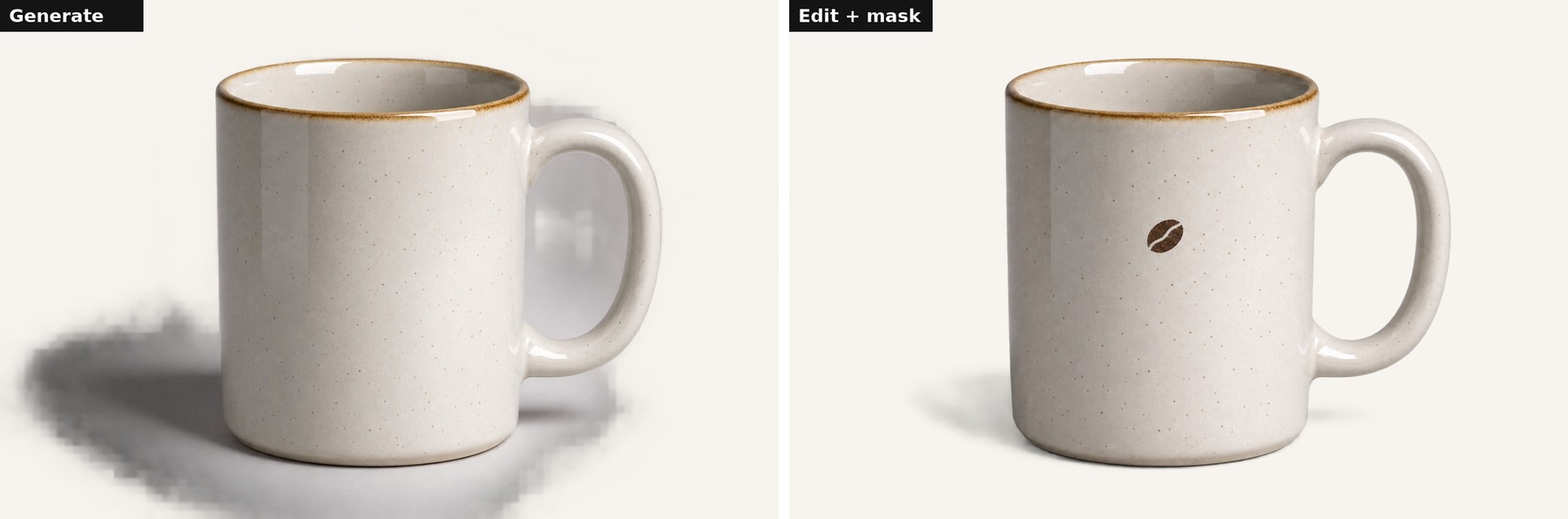
  "image": "https://raw.githubusercontent.com/JlMoreno00/codex-images-mcp/main/docs/example-before-after.jpg",
  "extensions": [
    "./index.ts"
  ]
}
Security note
Pi packages can execute code and influence agent behavior. Review the source before installing third-party packages.
README
pi-codex-images
A Pi / Gentle Shell extension that lets your agent generate and edit images through a self-hosted codex-images-mcp server, using the ChatGPT plan you already pay for.
The extension registers one tool, codex_images. Before each remote call it reads the local reference images and instruction files you authorized, sends them inline, and strips local paths from the request. When the server returns artifacts, it downloads them, verifies SHA-256, byte count, MIME type and image dimensions, and writes them atomically to client_destination.
Unofficial. This project is not affiliated with or endorsed by OpenAI. It talks to a server that uses your own ChatGPT/Codex sign-in; you are bound by OpenAI's terms for your account.
Requirements
- Pi or Gentle Shell with extension support.
- A running
codex-images-mcpHTTP server reachable over HTTPS (or onlocalhost), protected by a bearer token. See the main repository for deployment.
Install
pi install npm:pi-codex-imagesOr from a local checkout: pi install ./packages/pi-codex-images.
Configure
Create config.json next to the installed index.ts, or point PI_CODEX_IMAGES_CONFIG at a file elsewhere. Start from config.remote.example.json:
| Field | Meaning |
|---|---|
endpoint |
Streamable HTTP MCP URL. Must be HTTPS unless it is localhost, 127.0.0.1 or ::1. Must not contain credentials. |
allowedInputRoots |
Directories the agent may read reference images and instruction files from. Required. |
allowedOutputRoots |
Directories the agent may write generated images to. Required. |
maxFileBytes |
Per-file limit (default 8 MiB). |
maxRequestBytes |
Total inline payload limit per request. |
requestTimeoutMs |
Timeout for each remote call (image generation can take minutes). |
tokenFile / tokenEnv |
Where the bearer token comes from. Pick one. |
Store the token in a regular file with mode 0600:
mkdir -p ~/.config/codex-images
printf '%s' "$TOKEN" > ~/.config/codex-images/token
chmod 600 ~/.config/codex-images/token
Do not also register the raw server through an MCP adapter: the raw tool cannot read your local paths or write to client_destination.
Security model
- Input and output paths must resolve inside the configured roots. Symlink escapes and non-regular files are rejected.
- Local paths never reach the server; only file contents within the size limits do.
- Token files must be regular, non-symlink files readable only by you.
- Writes go to a private temporary file followed by an atomic rename.
The checks reject unauthorized paths and static symlink escapes. They do not protect against a concurrent process running as the same user that swaps directory ancestors between validation and write (Node's filesystem API has no openat/mkdirat). Do not use output roots that untrusted processes can write to.
Development
npm install
npm test
npm run typecheck
License
MIT. See LICENSE.