pi-gpui
/gpui: continue your terminal pi session in Pi GPUI, the native desktop app for pi on macOS and Linux (Rust + GPUI)
Package details
Install pi-gpui from npm and Pi will load the resources declared by the package manifest.
$ pi install npm:pi-gpui- Package
pi-gpui- Version
0.2.0- Published
- Nov 11, 2026
- Downloads
- 321/mo · 321/wk
- Author
- bytesbay
- License
- MIT
- Types
- extension
- Size
- 6 KB
- Dependencies
- 0 dependencies · 0 peers
Pi manifest JSON
{
  "image": "https://raw.githubusercontent.com/bytesbay/pi-gpui/main/docs/banner.png",
  "video": "https://pi-gpui.dev/demo.mp4",
  "extensions": [
    "./index.ts"
  ]
}Security note
Pi packages can execute code and influence agent behavior. Review the source before installing third-party packages.
README
pi-gpui
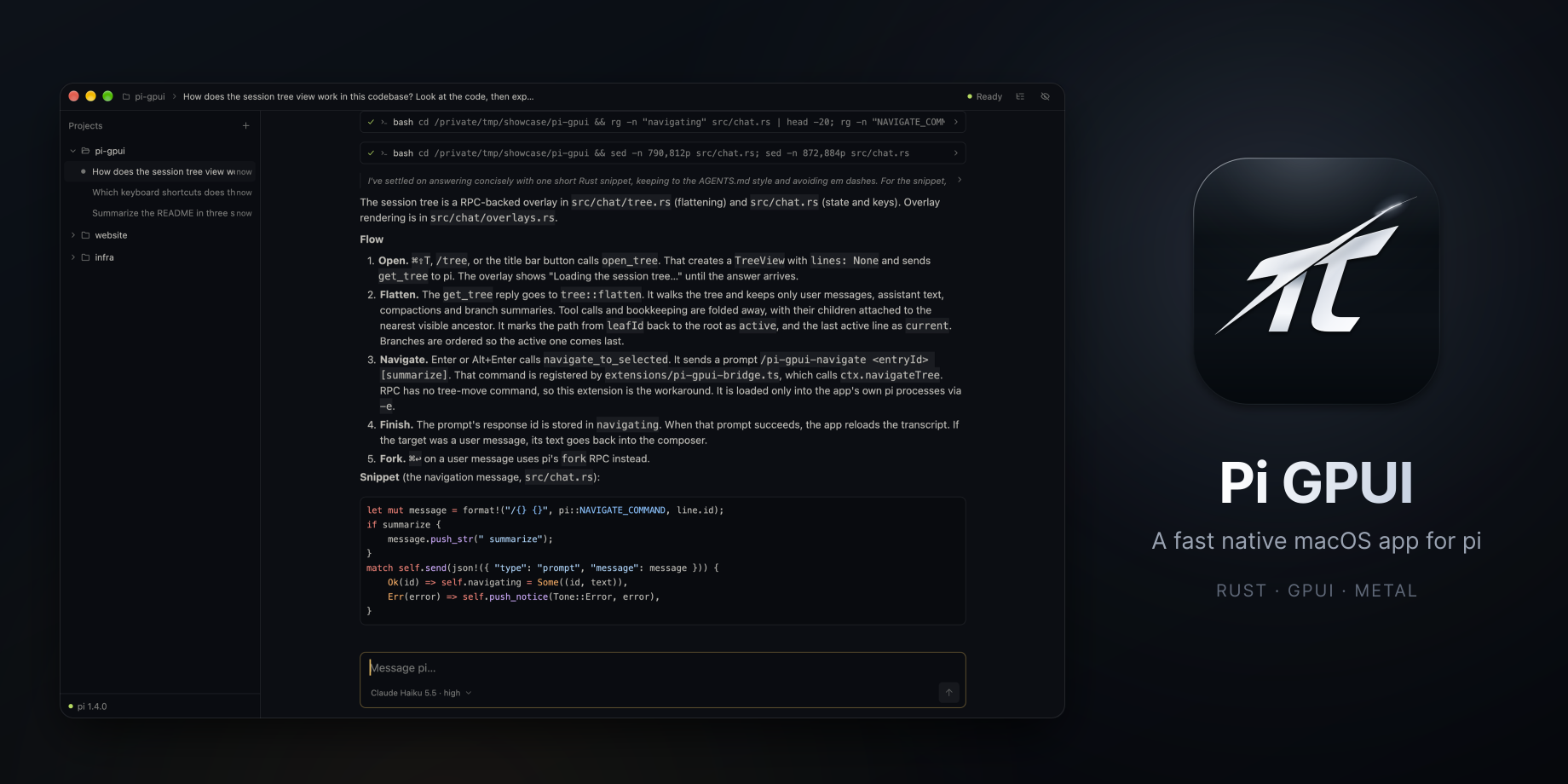
/gpui for pi: continue the session you have open in the terminal in Pi GPUI, the native desktop app for pi on macOS and Linux, written in Rust with GPUI.
Install
pi install npm:pi-gpuiThe app, if you don't have it yet:
brew install --cask bytesbay/tap/pi-gpui            # macOS
curl -fsSL https://pi-gpui.dev/install.sh | sh      # Linux
Use
Type /gpui in pi. This pi exits, and the same session opens in Pi GPUI with its project in the sidebar. Without a saved session (--no-session), the project opens there with a new session.
The terminal pi exits first because pi does not protect a session file from two writers.
Needs Pi GPUI 0.1.10 or newer on macOS, 0.2.0 or newer on Linux. Any tool can do the same with a link:
open "pi-gpui://open?workspace=/path/to/project&session=/path/to/session.jsonl"      # macOS
pi-gpui "pi-gpui://open?workspace=/path/to/project&session=/path/to/session.jsonl"   # Linux
License
MIT